App UGC ads · Step-by-step guide
How to run UGC ads for your app
How to run UGC ads for your app, start to finish - from finding a hook that already works to scaling the winners. Seven genuine steps, source-neutral (it works whether you make the ads with AI, a marketplace or an agency), with a pre-launch checklist so nothing important gets skipped.
Last updated August 2026 · Published by Agniverse Media
Published by Agniverse Media. We run a UGC agency, so we have a stake in the 'hire someone' steps here - which is exactly why this guide is source-neutral, points you to free and DIY options first, and works whether you make the ads with AI, a marketplace or a team. It is written from what we actually do for app clients, updated August 2026.
To run UGC ads for your app: find the hooks already going viral in your niche, choose your source (an AI tool, a marketplace or an agency), write a tight brief, get full paid-ads and whitelisting rights, launch the videos as whitelisted TikTok Spark and Meta Partnership ads, test many and kill fast, then scale the winners - reshooting your best performers with a real creator.
- Find your hooks (free)
- Choose your source
- Write a tight brief
- Get usage and whitelisting rights
- Launch as Spark / Partnership ads
- Test many, kill fast
- Scale the winners
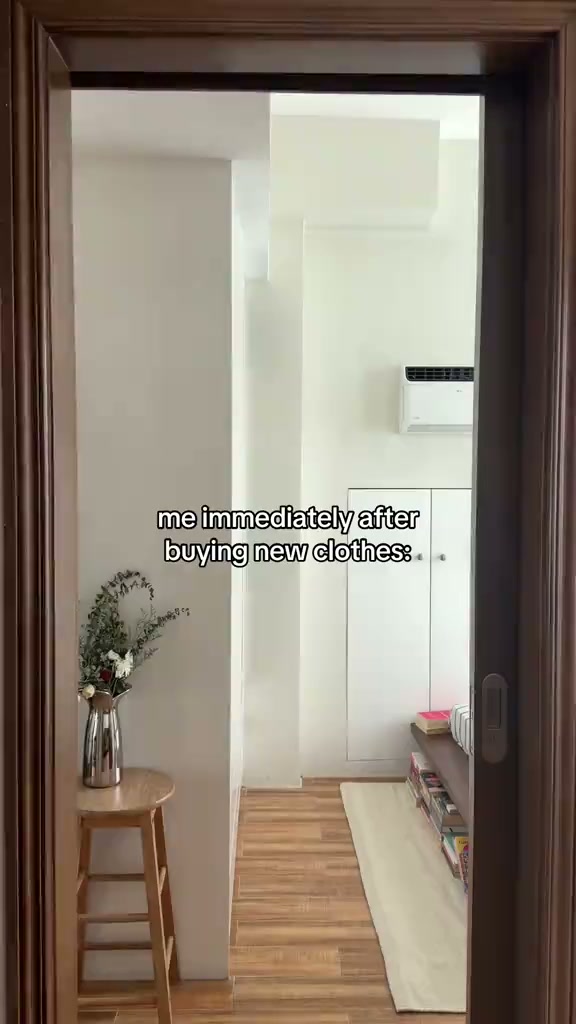 Shopping-haul demo
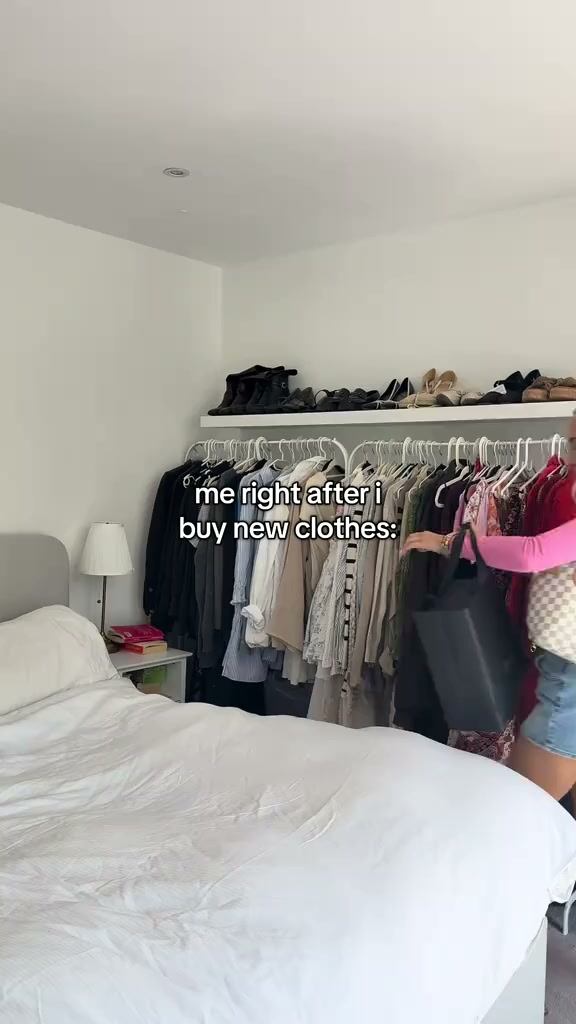 Closet unboxing demo
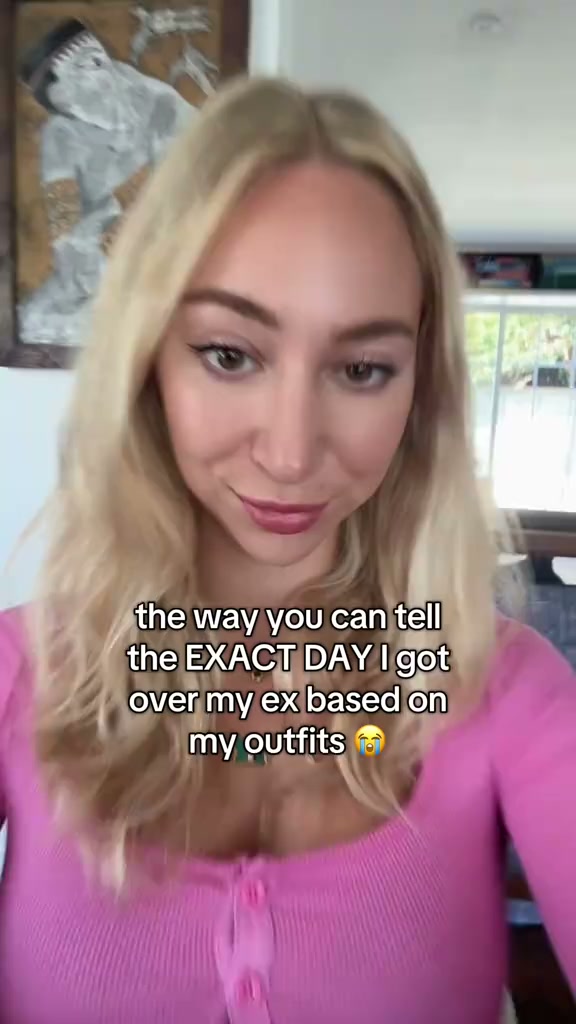 Outfit evolution demo
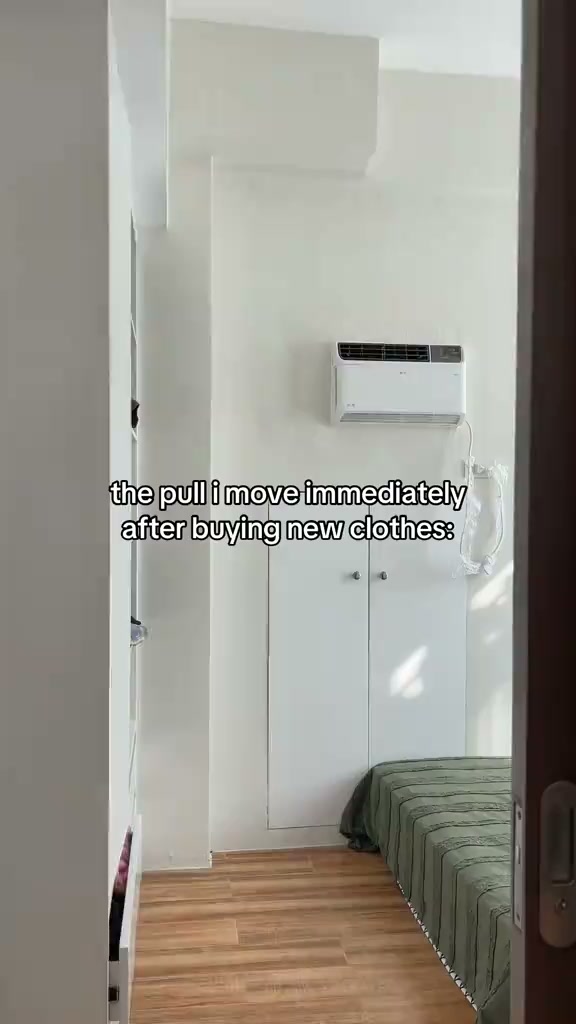 Styling haul demo
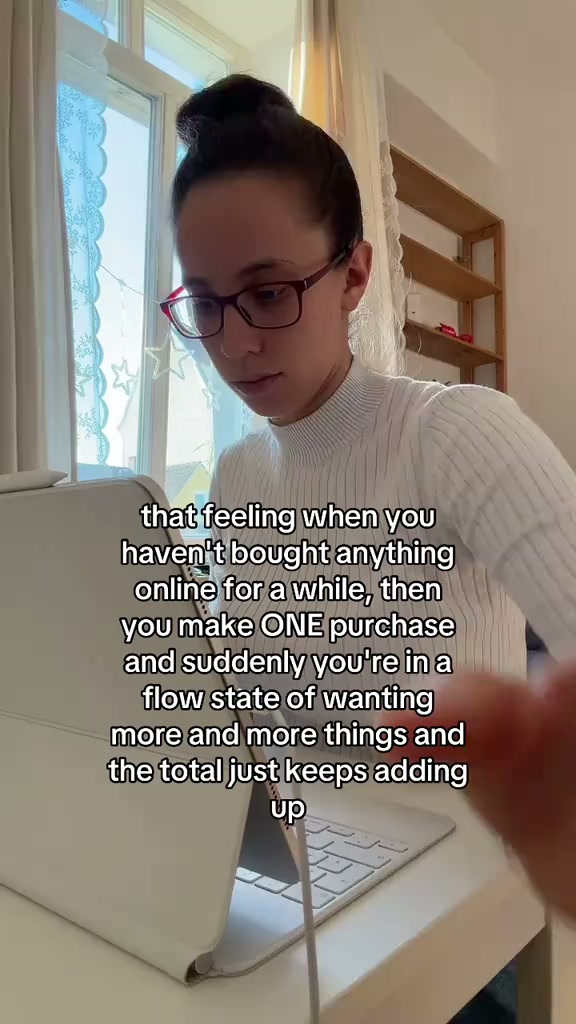 Overspending hook
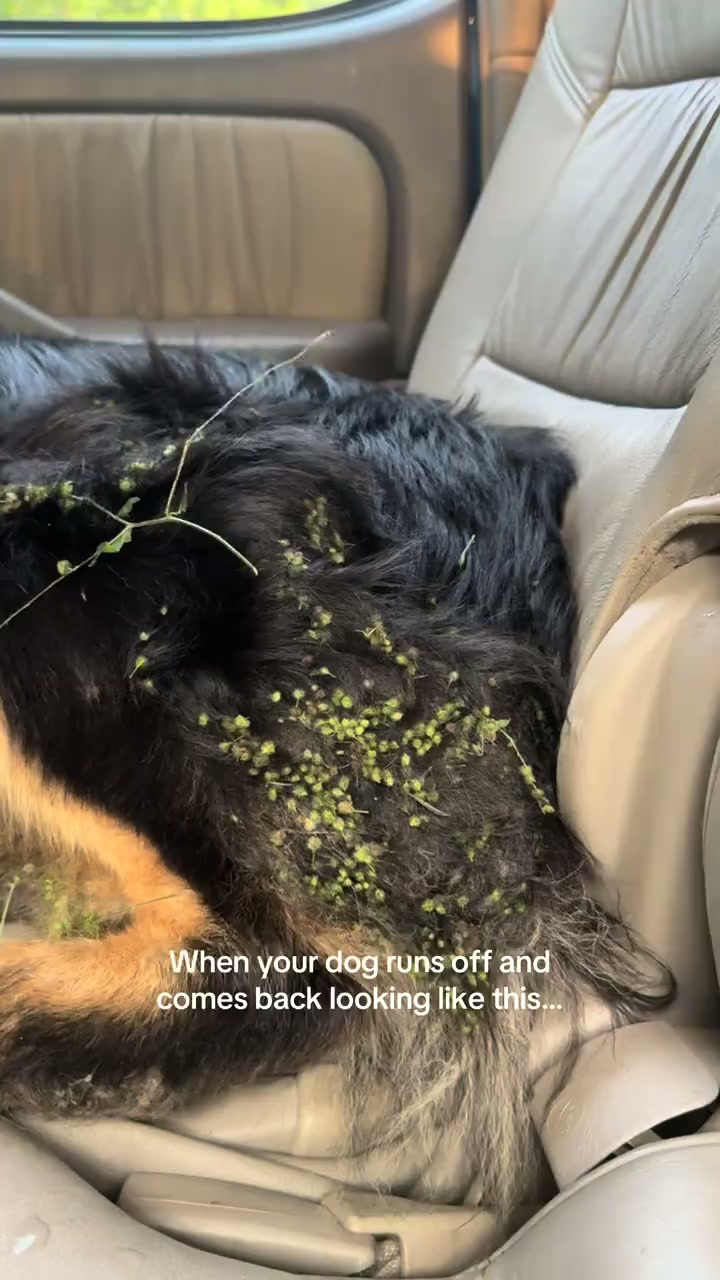 Problem-solution demo
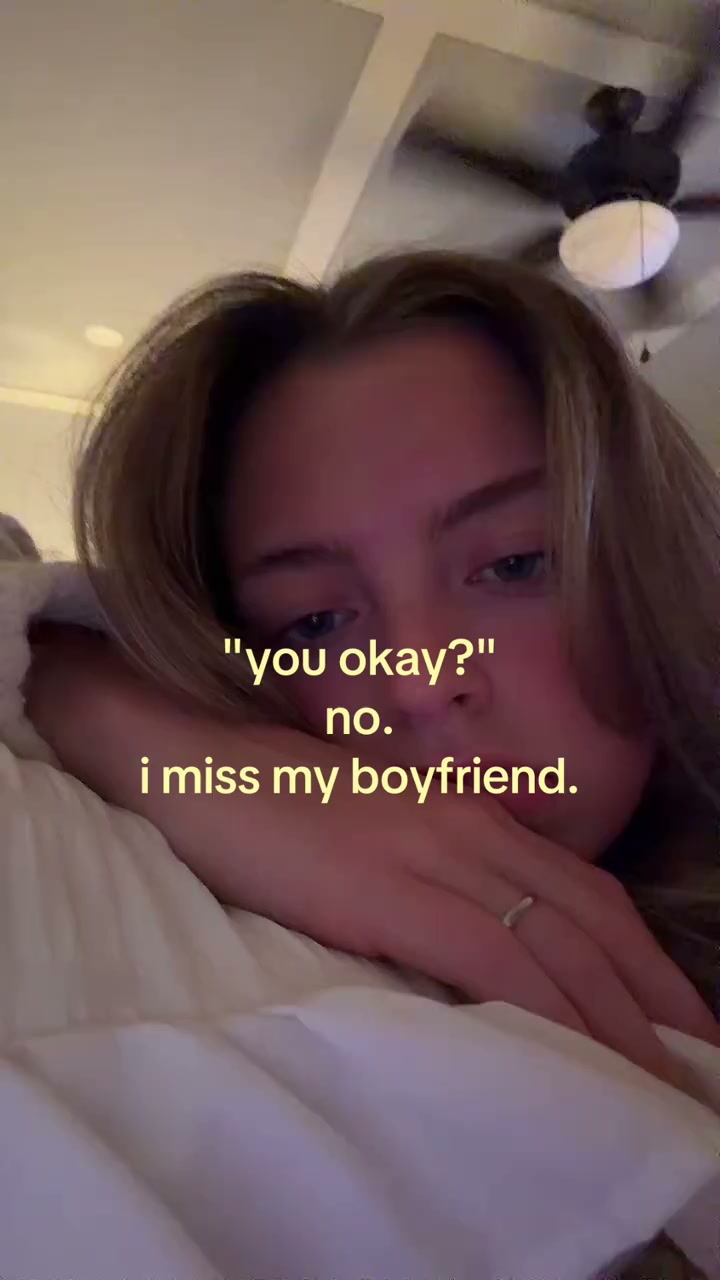 Emotional hook reveal
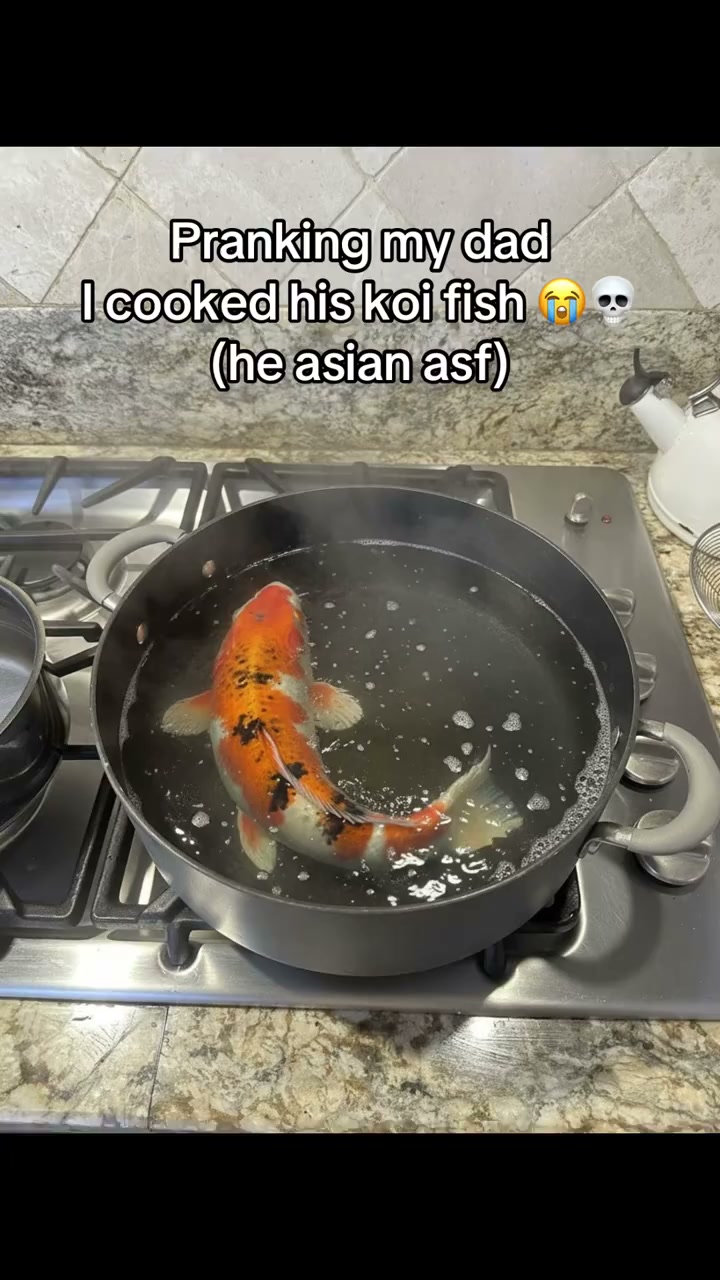 App demo hook
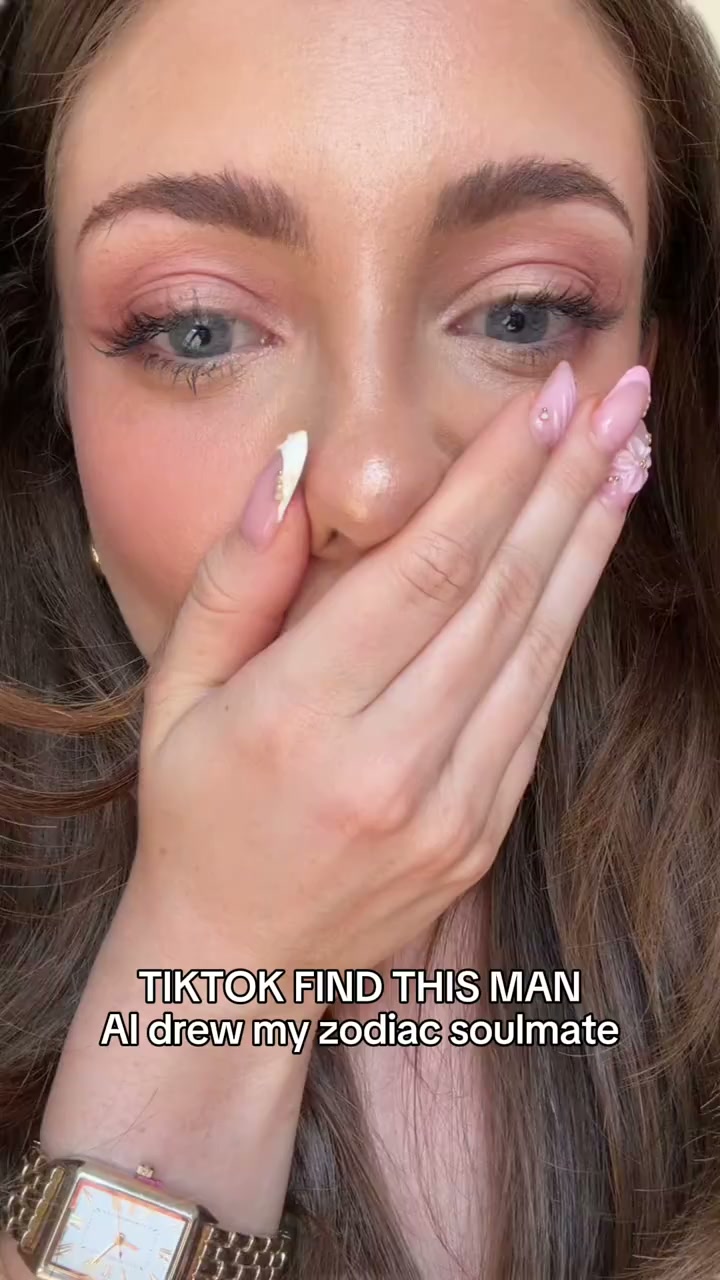 Talking-head hook
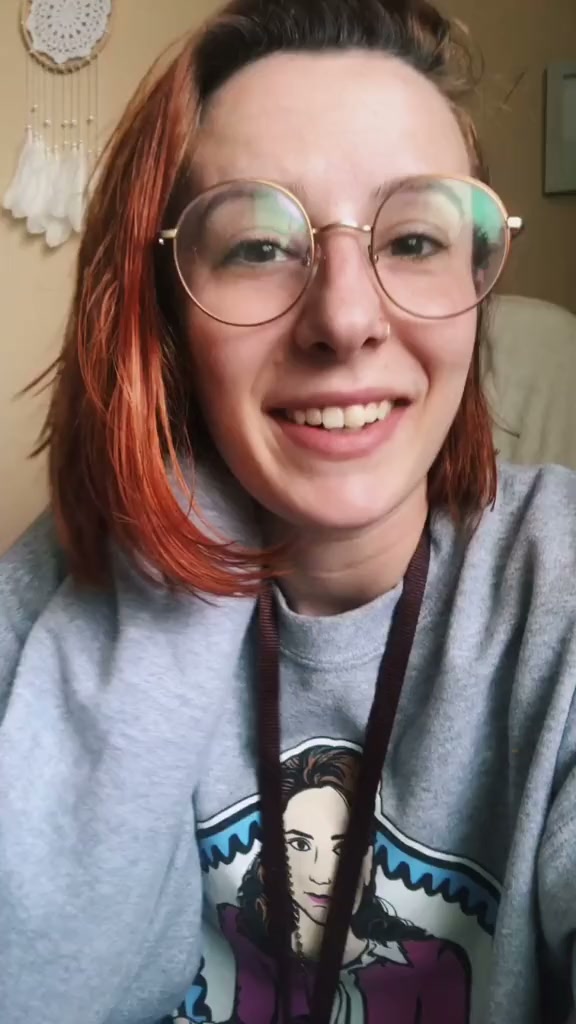 Life-changing claim hook
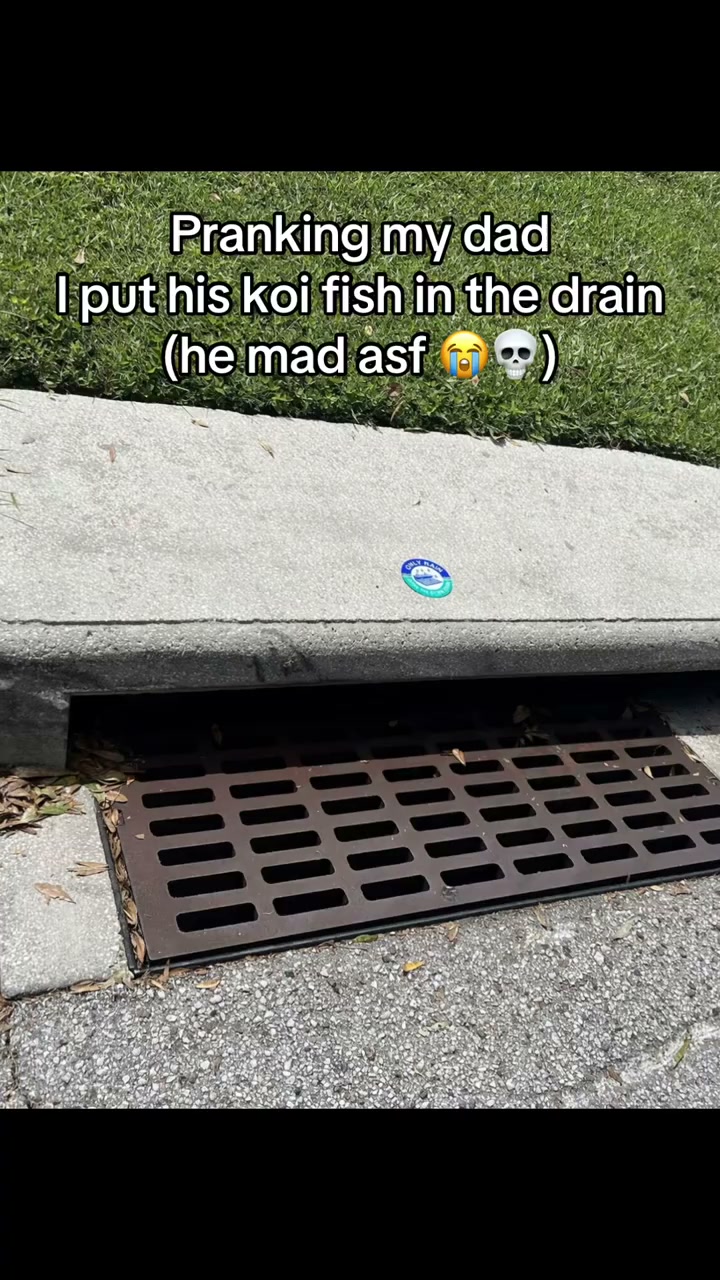 Text-heavy prank hook
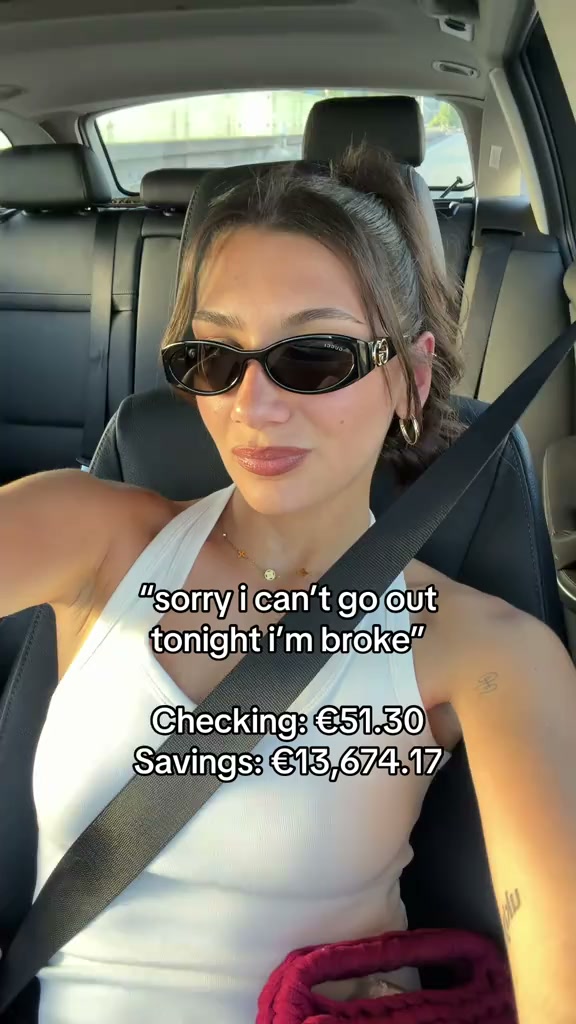 POV curiosity hookShopping-haul demoCloset unboxing demoOutfit evolution demoStyling haul demoOverspending hookProblem-solution demoEmotional hook revealApp demo hookTalking-head hookLife-changing claim hookText-heavy prank hookPOV curiosity hook
The 7 steps
Find your hooks
Before you make anything, study what is already working. The hook - the first two seconds - decides whether an ad lives or dies, so start by finding the formats and angles already going viral in your niche. Handler is free and needs no signup: use it to pull the outlier UGC videos in your category and copy the patterns that pop, instead of guessing.
Choose your source
Decide who makes the videos: an AI-actor tool (cheapest, fastest, great for volume testing), a creator marketplace (real humans, pay per video or by subscription), or a managed agency (done-for-you, strategy included). Our AI-UGC-vs-real-creators and agency-vs-marketplace guides walk the trade-offs, and the alternatives pages list the specific tools and marketplaces.
Write a tight brief
A good brief is most of a good ad. Give the creator or the tool the hook, the core message, the must-say points, the call to action, and two or three reference videos in the style you want. Keep it short and specific - the tighter the brief, the less you waste on revisions and off-target footage.
Get full usage and whitelisting rights
Before anything runs as an ad, lock down the rights. You want paid-ads usage and whitelisting rights - permission to run the ad from the creator's own handle - plus a usage term that covers how long you will run it. Organic-only rights are cheaper but useless for paid, so sort this up front, not after a video takes off.
Launch as whitelisted Spark and Partnership ads
Run the videos as whitelisted ads: TikTok Spark Ads (boosting a post from the creator's handle) and Meta Partnership Ads (formerly branded content). Whitelisted ads keep the native, authentic look that makes UGC convert, and they consistently outperform the same video run from a plain brand account.
Test many, kill fast
Launch several hooks and angles at once, give each a fair but short test, and cut the losers quickly. Ad creative fatigues fast, so this is a volume game: the goal is to find the two or three winners hiding in a batch of ten, not to fall in love with one video. Let the numbers, not your taste, decide.
Scale the winners
Once a video proves it converts, put budget behind it - and reshoot it with a real creator to scale the trust. A common, effective loop: test cheap AI or marketplace variants to find the signal, then invest in a polished real-creator version of the winner and ride it until it fatigues, feeding fresh hooks from step one the whole time.
Pre-launch checklist
Before you put a dollar behind a UGC ad, make sure you have:
0 of 8 ready
Frequently asked questions
How do I run UGC ads for my app?
What are whitelisted, Spark and Partnership ads?
Do I need real creators, or can I use AI for UGC ads?
How many UGC ads should I test?
How much does it cost to run UGC ads for an app?
How do I get usage rights for UGC ads?
Related guides and tools
Step one is free
The whole process starts with a hook, and finding one costs nothing. Handler is free and needs no signup - use it to pull the UGC formats already going viral in your niche before you brief a single video. When you are ready to hire, our flagship guide covers the UGC agencies built for apps.
Published by Agniverse Media, part of Agniverse - the growth universe for consumer apps. We run a UGC agency, so we kept this guide source-neutral and led with the free step. It is written from what we do for app clients, current as of August 2026. Found something out of date? Tell us and we will fix it.